PlayStation & Xbox
The display connects over Wi-Fi to the UDP telemetry stream from supported games. Use it with PlayStation 4 / 5 or Xbox, including native Gran Turismo 7 support on PlayStation.
See the full list of compatible games →

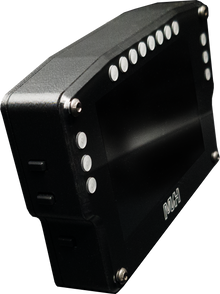
MVH Telemetry Display 4.0
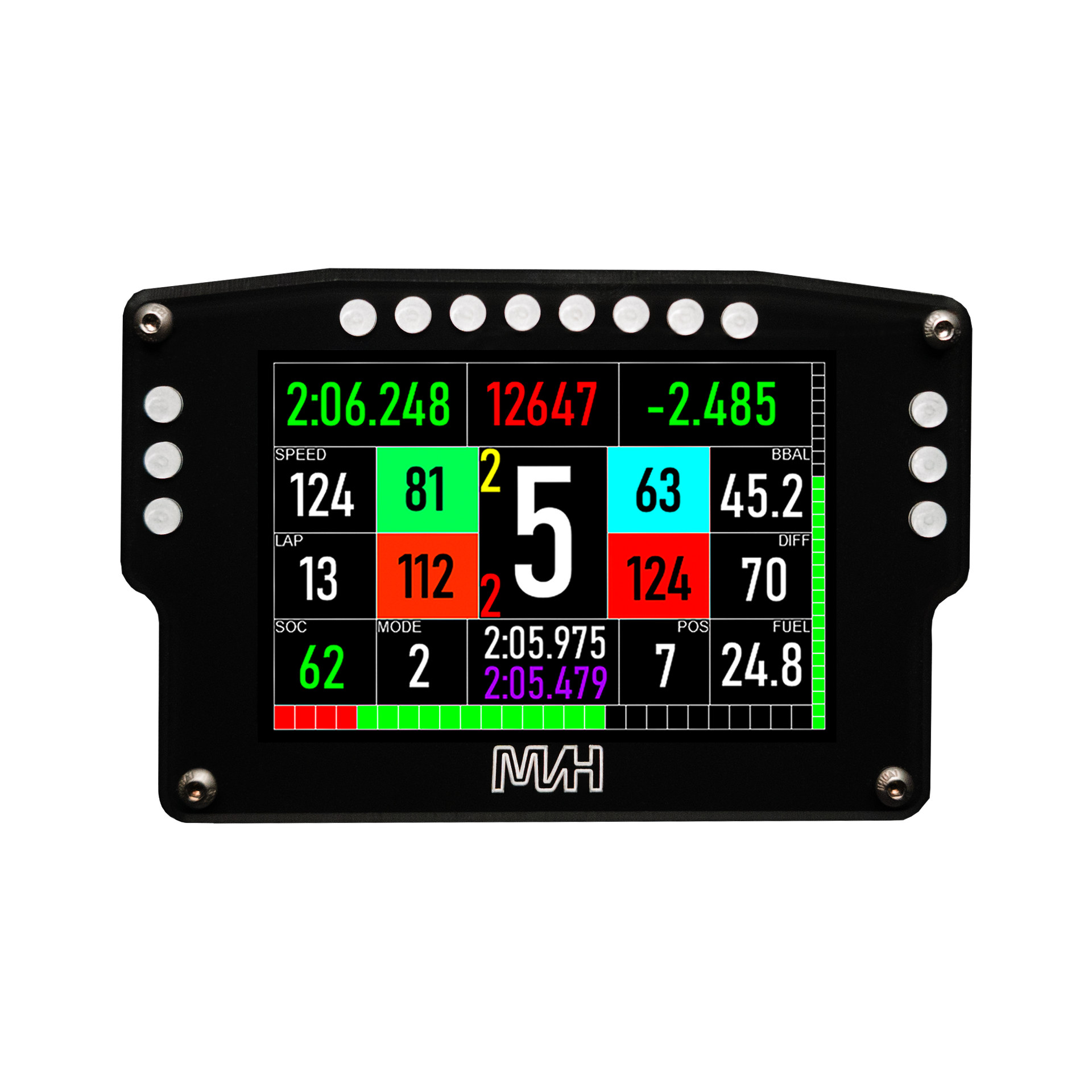
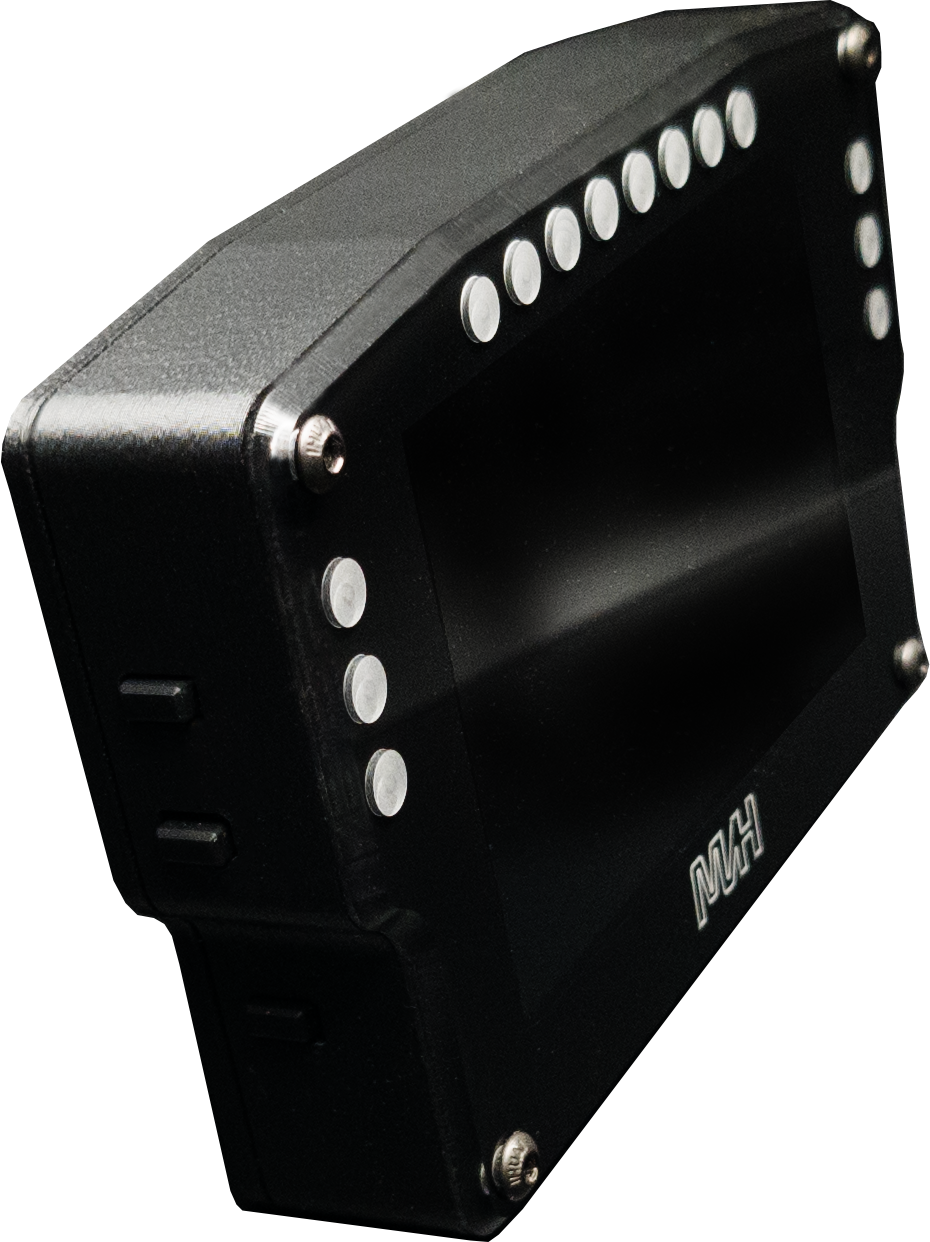
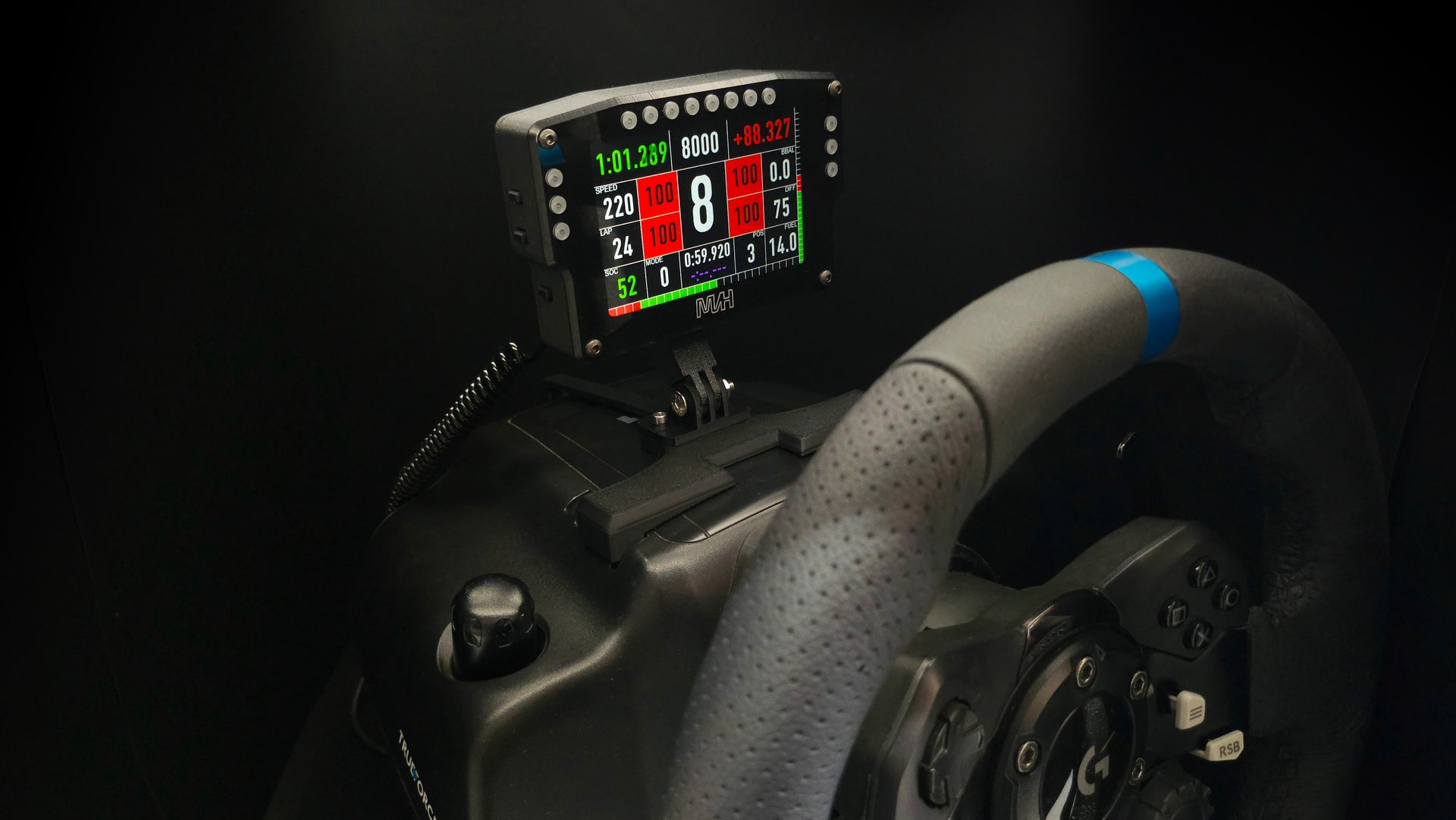
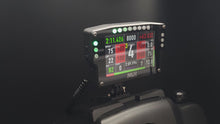
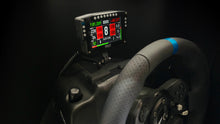
A dedicated 4-inch display for your sim racing setup. Live telemetry on PlayStation, Xbox and PC, with wireless console connectivity and SimHub integration on PC.
Game support varies by platform. Check the compatibility list for the games you race.
Check supported games & setup guides →
Made to order - typically dispatches in 12 business days
Built around the way you race
The display connects over Wi-Fi to the UDP telemetry stream from supported games. Use it with PlayStation 4 / 5 or Xbox, including native Gran Turismo 7 support on PlayStation.
See the full list of compatible games →Our dedicated SimHub plugin gives you control over the display and RGB LEDs. Map a button on your wheel to switch between the available screens while you race.
Get the plugin & PC setup guide →The mount fits your hardware. The telemetry connects to your game.
Choose a mounting option for your wheelbase, then check game compatibility separately. On consoles, the USB-C connection supplies power while telemetry arrives over Wi-Fi.
More information. At a glance.
Choose from multiple dashboards for F1, GT and rally racing. Add your own graphics for a personal touch when the display is in standby.
A multicolour rev LED bar offers different patterns, with dedicated flag LEDs on each side. Adjust both screen and LED brightness to suit your setup.
Our ESP32 Wi-Fi PCB supports over-the-air firmware updates. We regularly add features and functions without an update fee.
Made to fit your setup
Mounting options cover common systems from Logitech, Fanatec, Moza, Simagic and Simucube. Select the option that matches your setup above.
The rear mount is also GoPro compatible, giving you more ways to position the display on your rig.
From box to racing
Fit the display to your rig and connect the included USB-C cable for power. Use your console, PC, a phone charger or a power bank.
Use the display's built-in Wi-Fi access point to configure it from your phone, tablet or laptop.
Follow the instructions for your supported console game, or install our SimHub plugin on PC. Pick your dashboard and brightness settings.
Find game-specific settings, drivers, manuals and installation videos in our support centre.
Open telemetry support →From the community
Reviews and photos shared by MVH Telemetry Display owners.
Loading customer reviews…
All product names, logos, and brands are property of their respective owners. All company, product, and service names used on this website are for identification and compatibility purposes only. Use of these names, logos, and brands does not imply endorsement. MVHStudios is an independent entity and is not affiliated with, sponsored by, or endorsed by Sony Interactive Entertainment (PlayStation), Microsoft Corporation (Xbox), McLaren Racing, Logitech, Fanatec, or any Formula 1 team.